Bundles
A bundle is a named group of devices that share one deployed application. You create a bundle, add devices to it, and deploy a blueprint to it — and every device in the bundle runs that application.
Why a bundle is required
An application is always deployed to a bundle, never to an individual device. A device that is not in a bundle can never run one — no matter how it was registered or how healthy its connection is.
This is why bundles exist rather than being an optional grouping feature: they are the unit that deployment targets. If you have a single board, put it in a bundle of one. That is the expected pattern, not a workaround.
The payoff is what happens on the way up. A device added to a bundle that already has an application receives that application immediately and automatically. Going from one device to a thousand does not mean deploying a thousand times — it means adding devices to a bundle that is already running.
Create a bundle
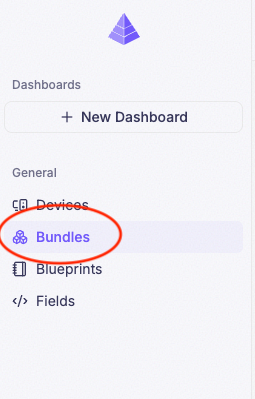
Click Bundles in the sidebar
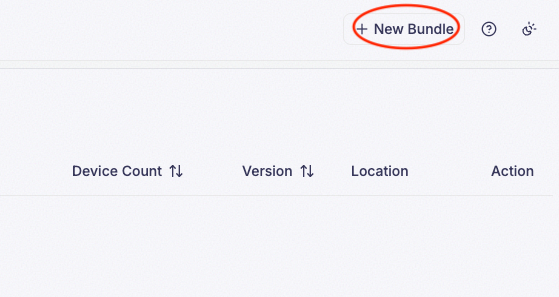
Click New Bundle
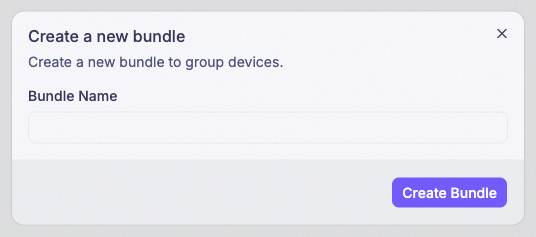
Enter a name and click Save
A bundle takes a name and nothing else. Name it after what the devices do or where they are —
cold-storage, line-2-sensors — because this is the name you will pick from when you deploy.
Add a device to a bundle
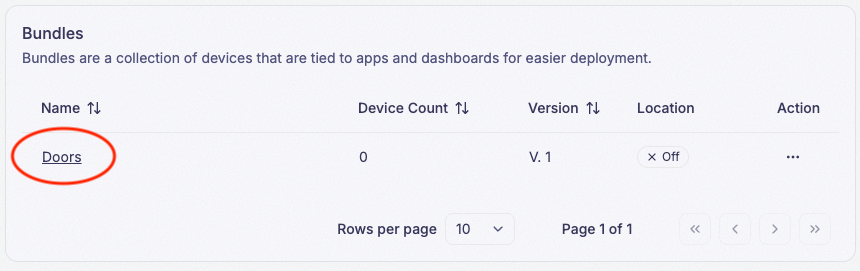
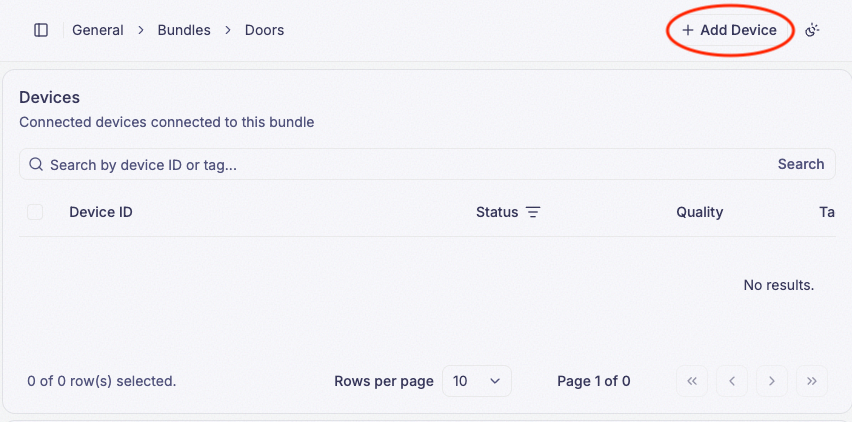
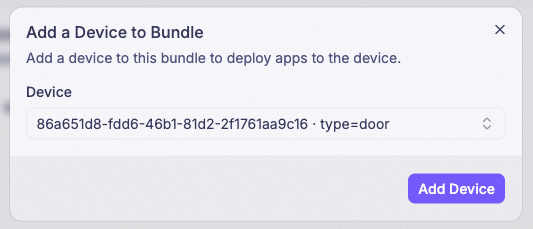
The same action is available from the other direction: open a device from the Devices list and set its bundle there. Both reach the same result, so use whichever screen you are already on. When you register a device you can also pick its bundle on the registration form, which skips this step entirely.
If the bundle already has an application deployed, the device starts running it right away.
One bundle per device
A device belongs to at most one bundle. Adding a device that is already in another bundle moves it rather than sharing it.
Moving a device to a different bundle prompts you to confirm. On confirming, the device leaves its old bundle and stops running that bundle’s application, then picks up the new bundle’s application instead.
What deploying to a bundle means
Deployment happens in the Blueprint Editor: Ship compiles the current blueprint and pushes it to a bundle you select. See Ship.
Two things follow from the bundle being the target:
- One application runs at a time. Deploying again replaces what the bundle’s devices are running.
- Deployment history is kept. The bundle page lists past deployments, which is what you roll back to when a new version misbehaves.
Deleting a bundle
A bundle can be deleted at any time, including while devices are in it and an application is deployed.
Deleting a bundle does not delete its devices. They remain registered to your company and keep reporting their connection status — but the application stops, and they cannot run one again until they are added to another bundle.
Location Tracking
A bundle can turn on network-based location tracking for every device in it. Once enabled, PRIZM
periodically resolves each device’s position from the network and writes it to that device’s
location fields —
$SYS/device/location/latitude, longitude, and radius — the same fields a
Map widget plots. Turning this on is what puts a bundle’s devices on a
map without your blueprint ever reporting GPS itself.
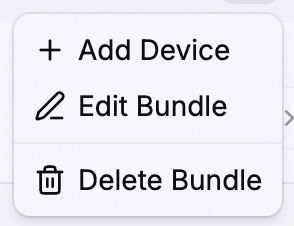
Open a bundle’s Action menu and click Edit
Turn on Location Tracking
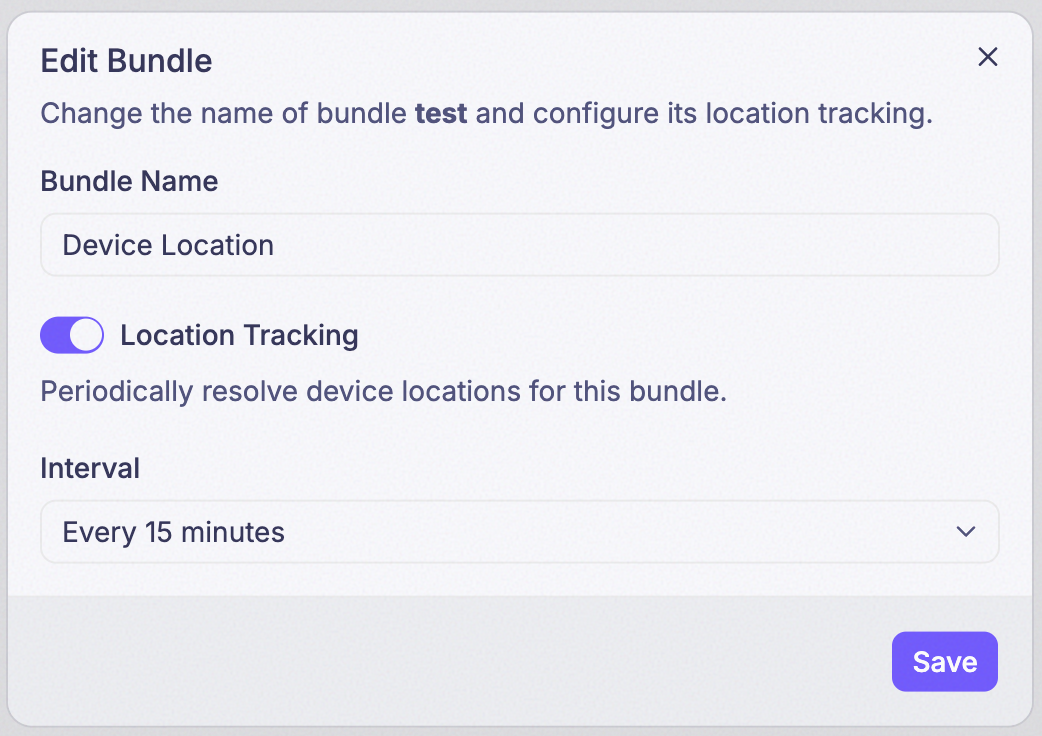
Set the Interval
The Interval isn’t a location itself — it’s how often PRIZM re-resolves one. Eight presets are available, each how often the location is refreshed:
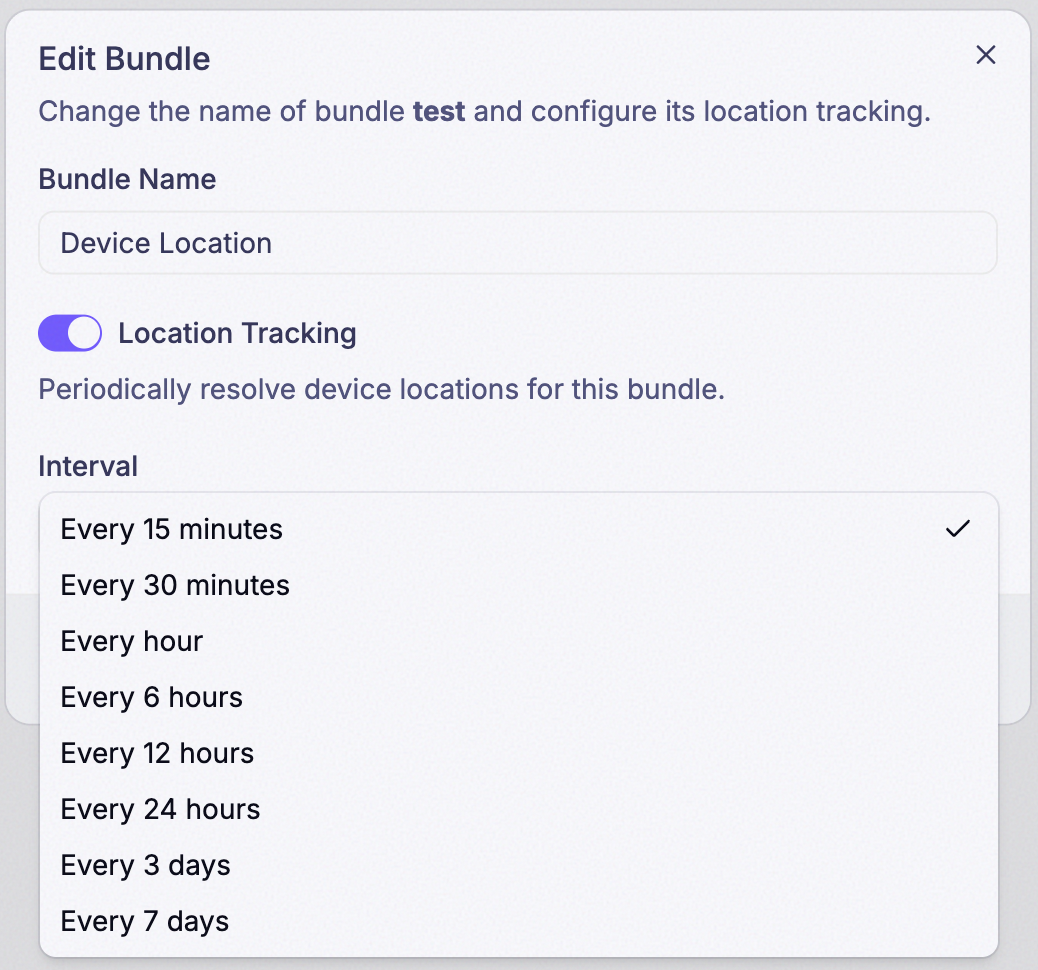
| Interval | Description |
|---|---|
| 15m | every 15 minutes |
| 30m | every 30 minutes |
| 1h | every hour |
| 6h | every 6 hours |
| 12h | every 12 hours |
| 24h | once a day |
| 3d | every 3 days |
| 7d | once a week |
Save and check the bundle list
Once saved, the Location column in the Bundles list shows the bundle’s current setting — for example On · 15m.

What Location Tracking costs
Each delivered location — one device, one resolve cycle — charges the company 1,000
credits. A cycle that doesn’t resolve to a position isn’t charged; only a location
that actually lands in $SYS/device/location/* counts.
Shorter intervals resolve more often, so they cost more. A single device on the 15m preset can resolve up to 96 times a day — up to 96,000 credits from that device alone — while the same device on 7d resolves once a week. Pick the interval your use case actually needs. See Credits and Billing & Plan for how this fits your overall usage.
This is per device, not per bundle — turning it on for a bundle of fifty devices means fifty devices resolving on that schedule, not one.
Bundles beyond deployment
A bundle is also a data source. When configuring a dashboard widget you can point it at a whole bundle instead of a single device, so one widget covers the fleet. See the Widget reference.
Bundles and device tags
The two look similar and do different jobs. A bundle decides which application runs on a device. A device tag differentiates devices within a bundle — so a single application can behave differently per device without splitting the fleet into more bundles.
Who can manage bundles
Creating bundles, adding devices, and deleting bundles requires the Owner or Admin role. Employees with the User role have read-only access.