Settings
Settings is where you manage your company itself — who belongs to it, how data leaves it, and what it costs. It is split into three tabs.
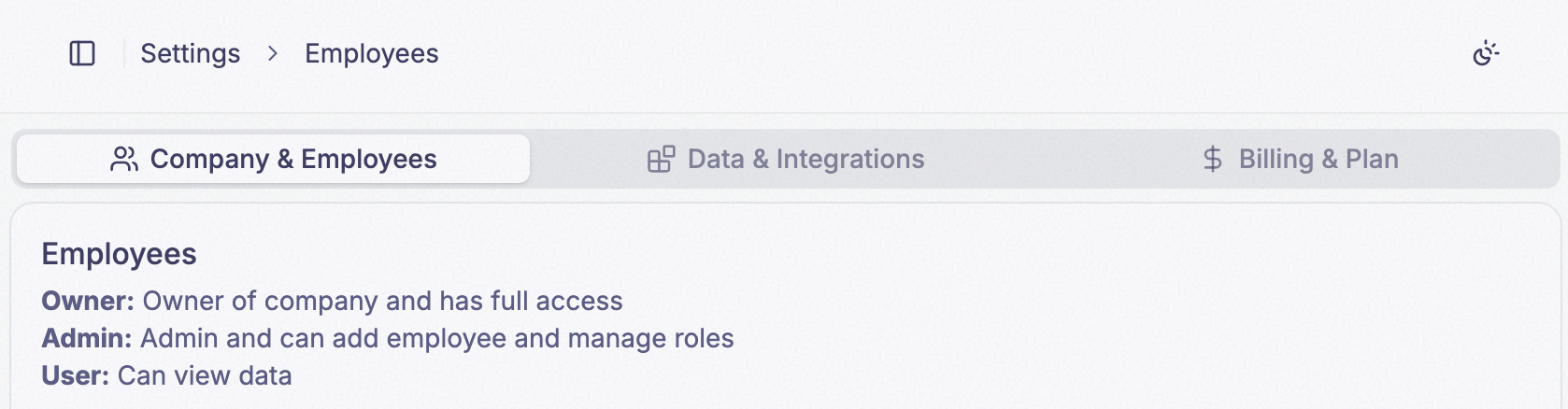
Settings is about the company. To change your own name, phone number, or marketing email preference, see Profile Settings.
What’s on each tab
- The company’s name and image
- Notify when device goes offline, which emails the Owner and notifies everyone in-app
- The employee list — invite people, change someone’s role, remove them
- Pending invitations, and revoking them
- Export data — download recorded field values as a CSV
- The API key your applications authenticate with, and resetting it
- Your Company ID
- The webhooks PRIZM Cloud calls as values arrive
- Credit usage against your limit, and what it cost
- Your data retention window
- Set Usage Limits, which changes both
- Billing Portal, for payment method, invoices, and your plan
Who can do what
Settings is for Owners and Admins only. An employee with the User role has no access to any of it — Settings does not appear in their sidebar at all, so nothing on these three tabs is available to them.
Between the two roles that do have access, what you see still differs — and in some cases a whole card is not rendered rather than being shown disabled.
| Action | Owner | Admin |
|---|---|---|
| See the Company Information card | Yes | — |
| Change the company name, image, or offline notifier | Yes | — |
Invite an employee as User or Admin | Yes | Yes |
| See and revoke pending invitations | Yes | Yes |
Change an employee to Admin or User | Yes | Yes |
| Transfer ownership | Yes | — |
| Remove an employee | Yes | Yes |
| Export data as CSV | Yes | Yes |
| Copy the API key and Company ID | Yes | Yes |
| Reset Company Key | Yes | Yes |
| Create, edit, and delete webhooks | Yes | Yes |
| Set Usage Limits | Yes | — |
| Billing Portal | Yes | — |
Two consequences of that table are worth stating outright:
- An Admin cannot see the company’s name and image at all. The Company Information card is hidden from them, not disabled.
- An Admin cannot change anything about billing. Both billing buttons require the Owner role, so an Admin cannot raise the credit limit even when the fleet is about to hit it.
A User is not locked out of PRIZM Cloud generally — only of Settings. They can view all data and dashboards, but cannot fire a Trigger widget — see Dashboards.